
Egnyte Sign
Simplify document approval and validation with a turnkey eSignature solution built into the flow of work

Common Challenges with Siloed eSignature Software
Cumbersome User Experience
Switching between interfaces disrupts the flow of business, hampering user productivity
Data Sprawl
Disconnected, standalone tools create data sprawl and impede effective search
IT Cost and Complexity
Standalone solutions add unnecessary IT cost and management overhead
The Egnyte Solution
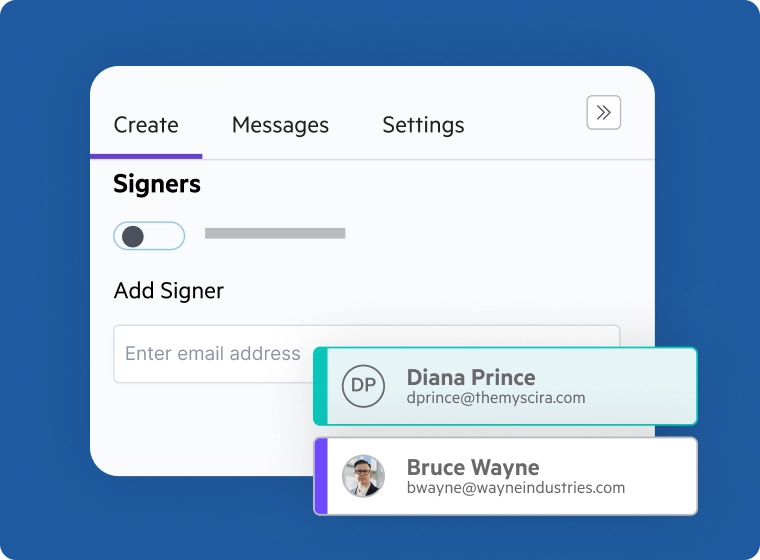
Add Signers
Add signers and fields such as date, title, company. Egnyte Sign supports multiple file formats like PDF, Word, and Google Doc.
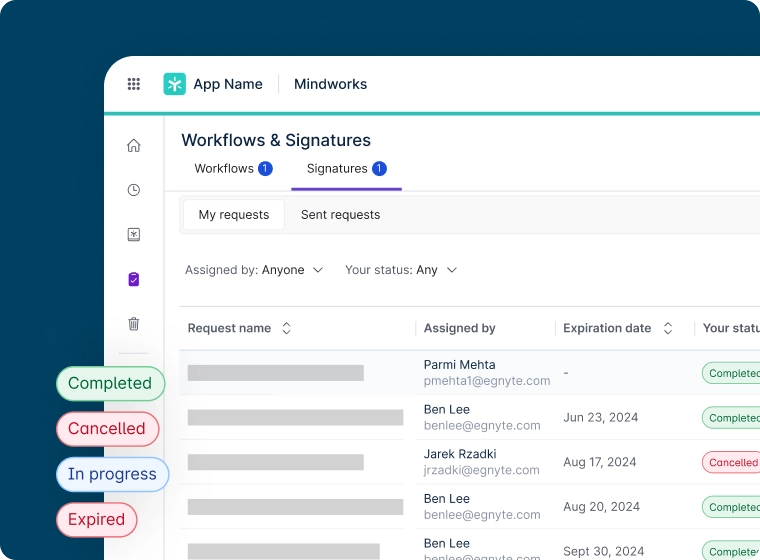
Build Workflow
Specify due dates and signing order. Provide a customized message and reminders. Simplify and streamline signings with reusable eSignature templates.
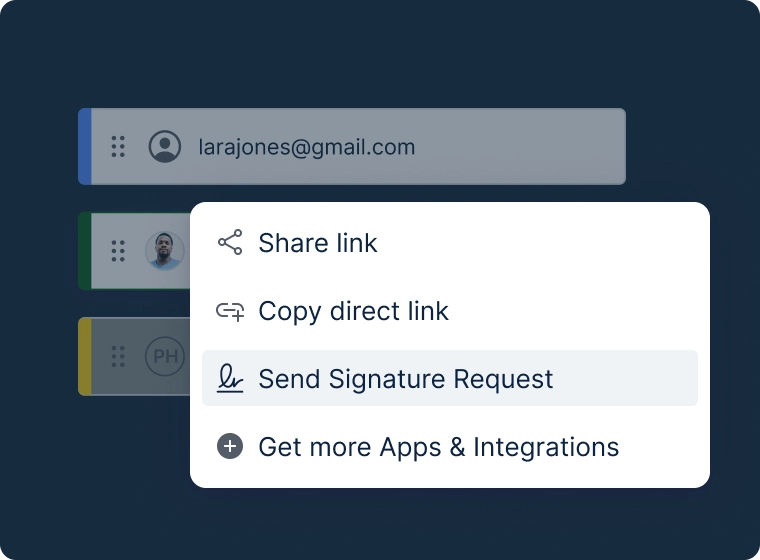
Send and Review
Send notifications to recipients’ email. Review digitally signed documents in a unified interface.
Annotate and Edit PDFs with Egnyte
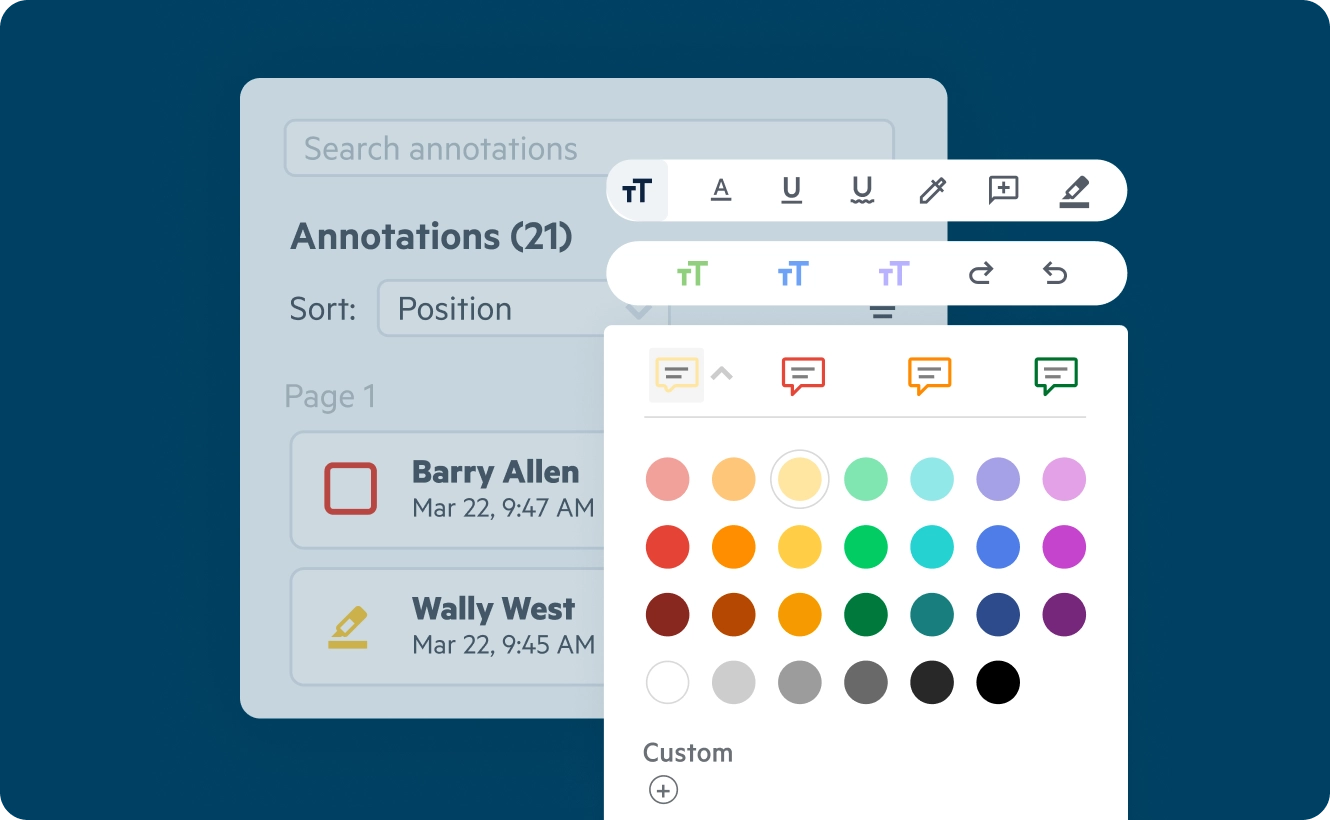
Learn how to preview, annotate and edit PDFs in Egnyte:
- Preview PDF documents and review annotations in a seamless environment
- Choose from over 30 native annotation tools, edit PDF text and images, update font size, and styling
- Add, remove, rearrange, or merge pages easily by clicking or through drag-and-drop page thumbnails