Control All Your Projects In One Place
Easily create, locate, and manage project folders with a centralized, familiar, secure structure—available on any device, anywhere your team works.

The Intuitive Way to Organize Projects
Project Hub delivers a fast, reliable way to navigate and manage project folders across teams and partners. By standardizing project structure and automating governance and document retention, teams reduce errors and accelerate delivery.
Work Faster
Find files fast with a centralized project view based on templated folder structures.
Simplify Access
Reduce manual permission management with role-based access.
Streamline Compliance
Automate lifecycle transitions to avoid missteps and enforce compliance.
Built for Fast Access and Full Oversight
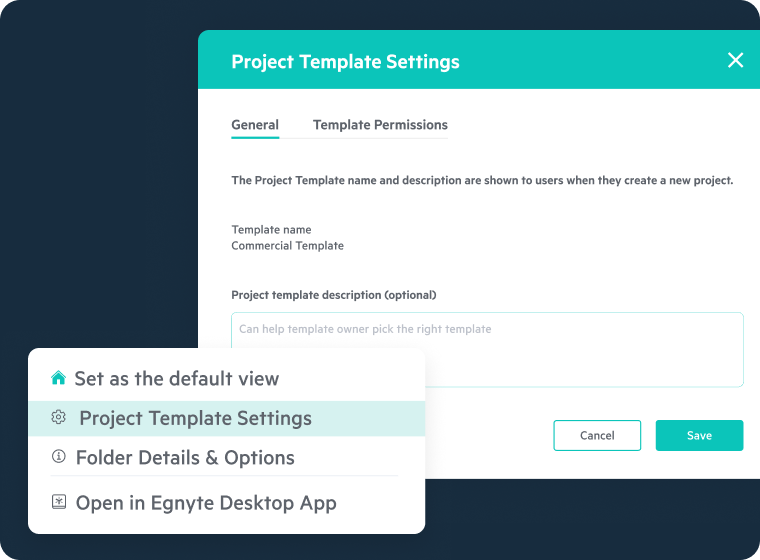
Templated Project Structures
- Standardize folder setup across all projects so teams can quickly locate files and work from a consistent document set
- Launch directly from the Project Center to access active project folders and dashboards in one place
- Use project folder recommendations to adjust folder structures dynamically
- Apply firmwide or client-specific folder templates automatically
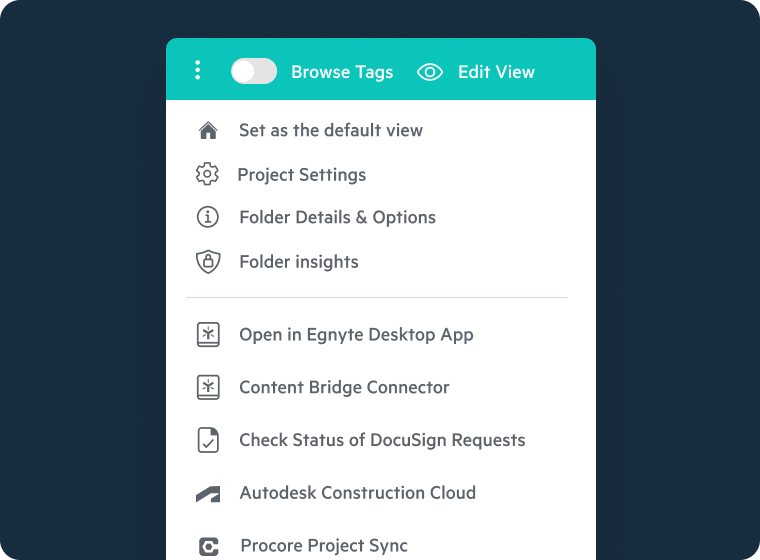
Seamless Integrations
- Connect Egnyte Project Hub with your teams' tools—Procore, Autodesk, Bluebeam—for streamlined project execution
- Sync project folder structures and metadata automatically
- Eliminate double entry and ensure a single source of truth across systems
- Maintain version consistency across platforms to avoid rework and miscommunication
Project Control Made Simple
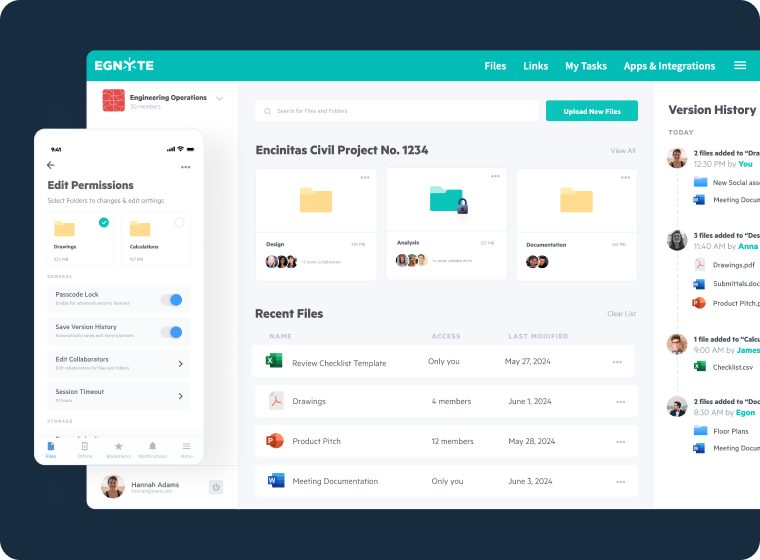
- Automate project setup to streamline administration and keep teams focused on execution
- Assign access by role, team, or project phase with intelligent folder templates and inherited permissions
- Reduce administrative overhead through automated user provisioning and workspace setup
- Control access at every level with granular permissions and audit trails for internal teams and external collaborators
Field-Ready Access
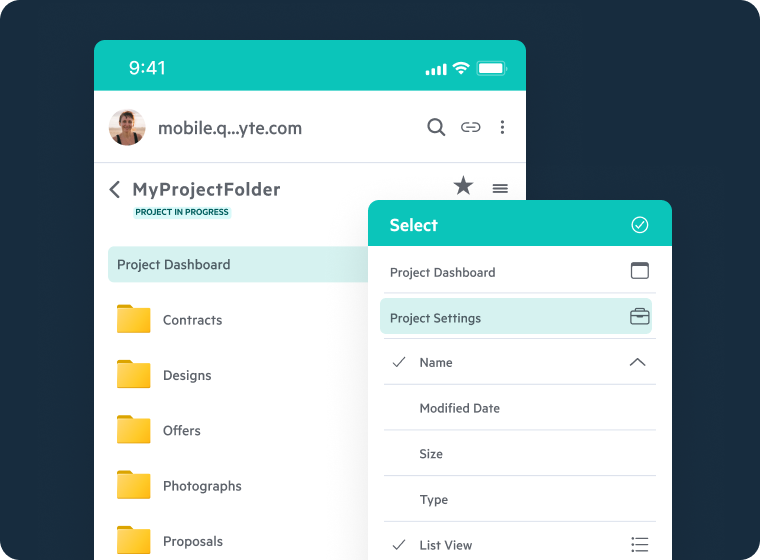
- Access project folders anytime, anywhere—from the office or the jobsite—with mobile-friendly navigation
- Quickly locate files on mobile devices, even with poor connectivity
- Preview documents and drawings without needing native apps
- Use Smart Upload to detect and place files in the correct folder based on project rules or metadata
AI-Powered Lifecycle Governance
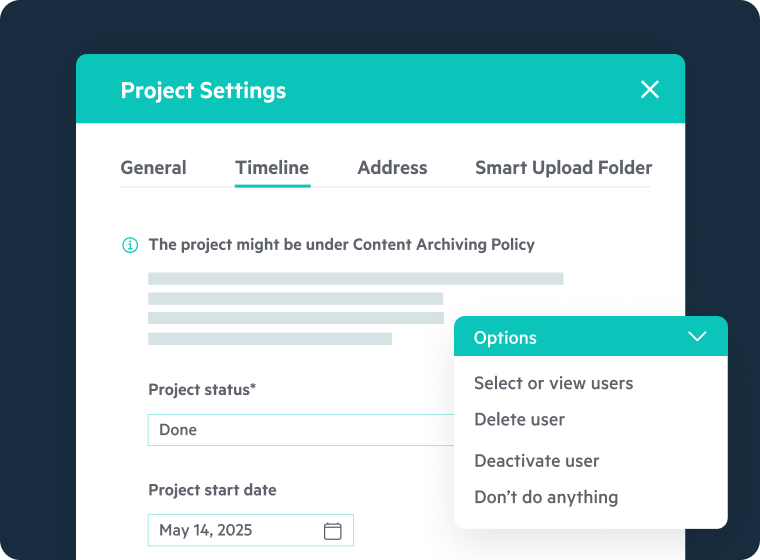
- Automate key actions like project handoff, archive, or closeout
- Trigger actions based on project stage or milestone completions
- Enforce retention, archival, and deletion policies
- Field Ready Access automatically
- Use image similarity search to identify duplicates or related visual files, reducing clutter and aiding compliance reviews
Hear From Our Customers

“Before Egnyte, our project data was scattered across different systems, making it difficult to find the right information. Now, everything is centralized, and we can locate files instantly.”

Justin Hiles
Chief Information Officer, VLK Architects
"Egnyte enables us to collaborate with clients with more transparency, and that has really built trust and strengthened those relationships…They make it easy for us to take on increasingly complex projects more quickly and effectively."

Dewald Smith
Project Director, ALEC Engineering & Contracting
“Egnyte has truly been a game-changer in our day-to-day operations. From accessibility to file sharing, it is an integral part of many of our processes; efficiency has never been higher.”

Byron Grimm
Project Controls Manager, PCL