Streamline Processes With Workflow Automation
Automate manual tasks so your team can focus on strategic work.

Improve Efficiency With
Automated Workflows
Egnyte's advanced document workflows can help your organization reduce costs, scale
your business, and improve accuracy by reducing errors. With AI-driven triggers and
automated tasks, free your teams to focus on critical business needs.
your business, and improve accuracy by reducing errors. With AI-driven triggers and
automated tasks, free your teams to focus on critical business needs.
Improve Productivity
Automate document reviews, track
progress, and streamline approvals
with triggered workflows and
seamless collaboration.
progress, and streamline approvals
with triggered workflows and
seamless collaboration.
Create AI Workflows
Leverage the power of AI to
determine when to start a workflow
and execute workflow steps.
determine when to start a workflow
and execute workflow steps.
Simplify Approvals
Make document reviews, editing and
e-signing easy—annotate, merge,
compare, and send eSignature
requests without leaving Egnyte.
e-signing easy—annotate, merge,
compare, and send eSignature
requests without leaving Egnyte.
Automate Tasks and Create Collaborative Workflows
Document Workflows
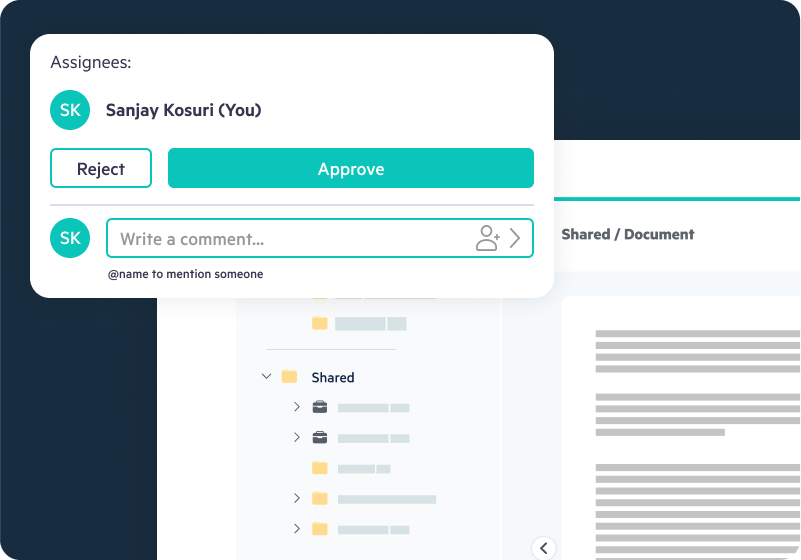
- Create parallel or sequential workflows to route documents for reviews and approvals
- Trigger workflows when files are uploaded, metadata changes, a specific workflow is completed, or documents get signed
- Extend workflows with webhooks to integrate with Power Automate, Zapier, Slack, and more
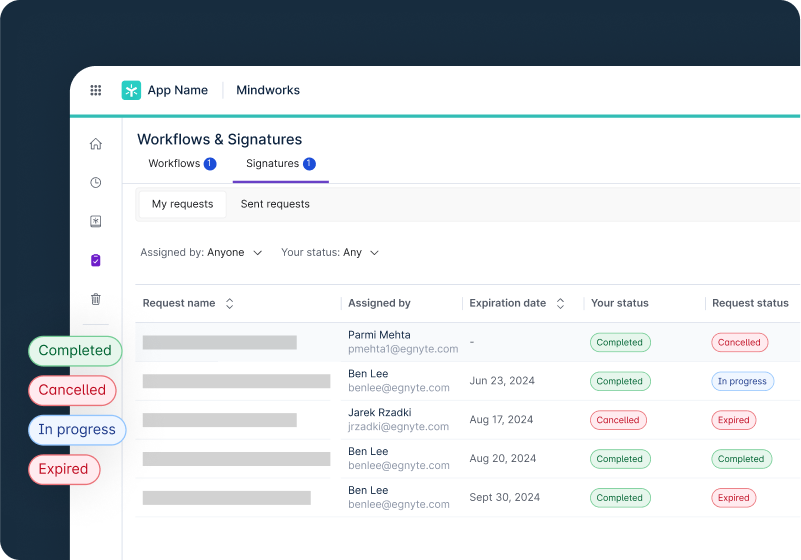
- Review workflow status in a dashboard and via audit reports for compliance
AI-Powered Workflows
- Reduce manual effort with AI-driven triggers, actions, and decision making
- Automate document processing by integrating AI-powered workflow steps
- Leverage AI to initiate workflows automatically by extracting metadata and analyzing document contents
- Trigger AI agent actions to extract insights, classify documents, apply metadata, or flag issues
Complete eSignature Processes
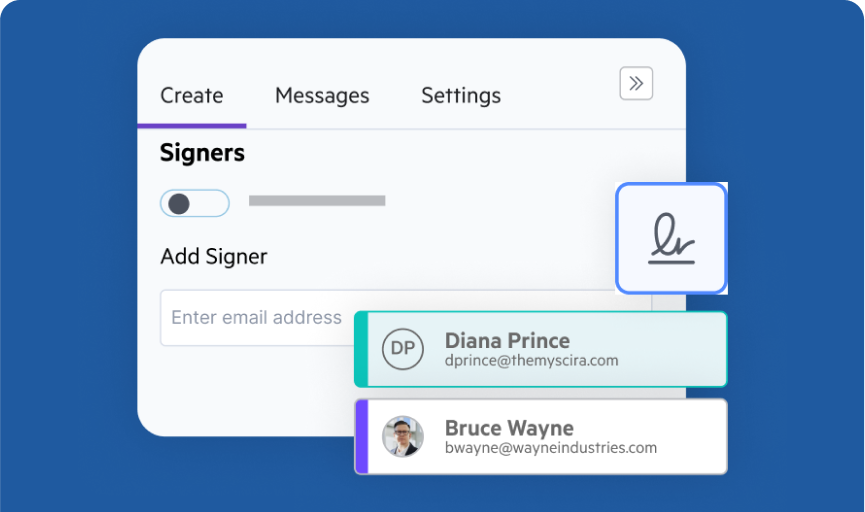
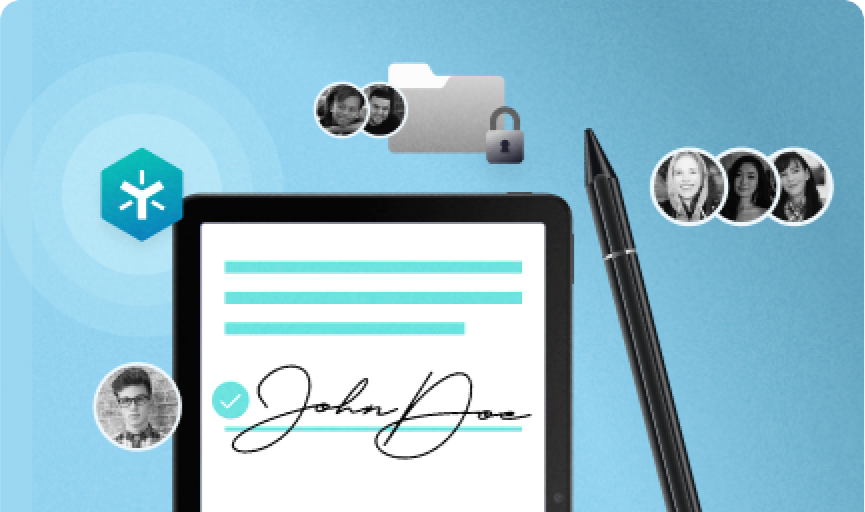
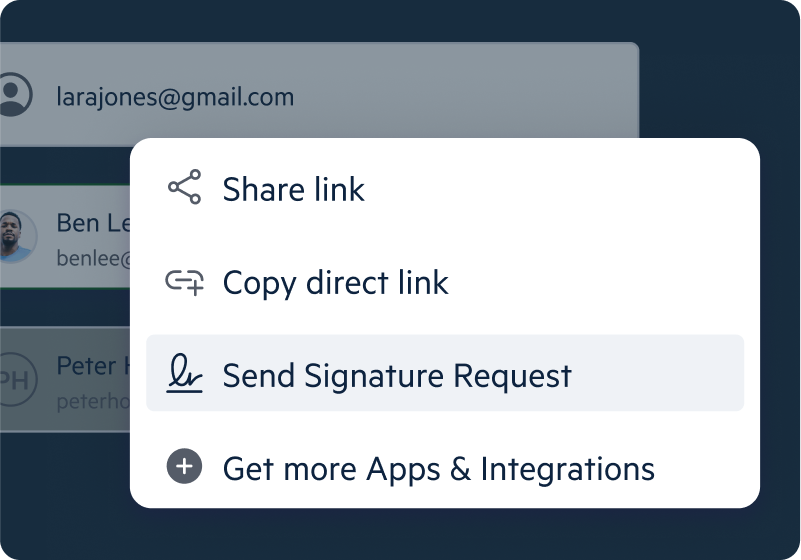
- Send legally binding e-signature requests via email, with document signing in Egnyte
- Customize document signing with fields like signature, initials, title, company, and date
- Track signatures in a dashboard and reuse document templates for NDAs, waivers, and other documents
- Download completion certificates with Adobe-approved digital signatures and long-term validation (LTV)
PDF Annotation and Editing
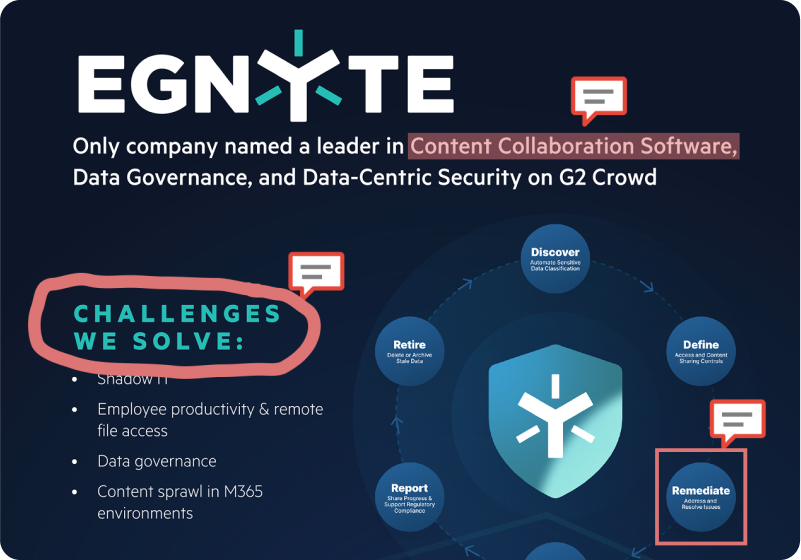
- View, edit, and annotate PDFs using native annotation tools directly in Egnyte
- Merge, extract, and rotate pages, edit text, and fill interactive forms
- Quickly identify edits, updates, and revisions with side-by-side document comparisons
- Convert files between Microsoft Office and PDF formats for easier sharing and collaboration
See Egnyte Document Workflows In Action
Review and Approval Workflows
Learn how to streamline collaborative procedures and perform document review and approval with workflows in Egnyte.